


Toddler Coloring Book For Kids
4.5112.00 Reviews
App Specs
- Version
- 6.7.2
- Updated On
- License
- Free
- Downloads
- 10,000,000+
- Developer
- Toy Tap LLP
- Categories
- Educational
- Platform
- Android
Screenshots
 Analysis by AppCompare
I tend to judge a toddler coloring game by a practical question: can a young child get absorbed in it without needing an adult to solve every tap? Toddler Coloring Book For Kids is aimed at that early, exploratory kind of play. It gives children a simple creative activity on a screen, while giving parents an option for short stretches when paper, crayons, or a larger setup are not convenient. I see its best use as a small, supervised activity rather than a replacement for hands-on art.
Unleashing Creativity with Virtual Colors
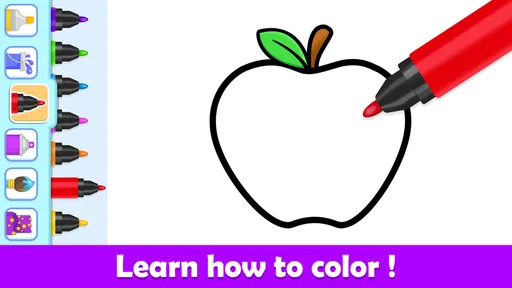
One of the first things you’ll notice about Toddler Coloring Book For Kids is its vibrant and user-friendly interface. The app is designed with little fingers in mind, making it super easy for toddlers to navigate. Trust me, even the youngest users will find it simple to tap and swipe their way to a masterpiece.
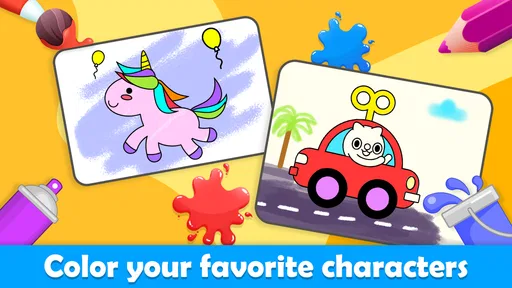
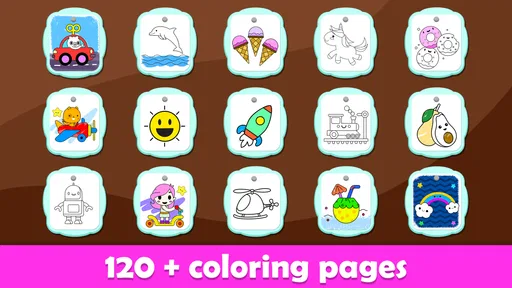
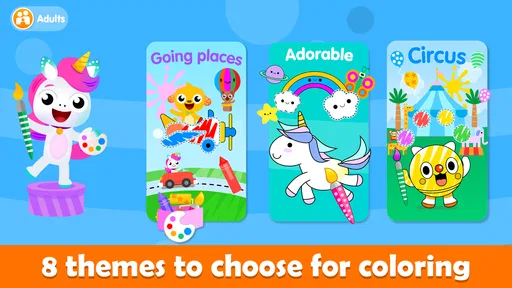
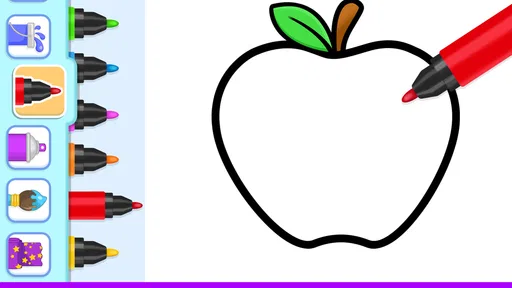
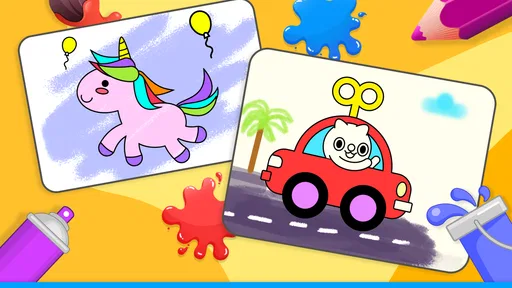
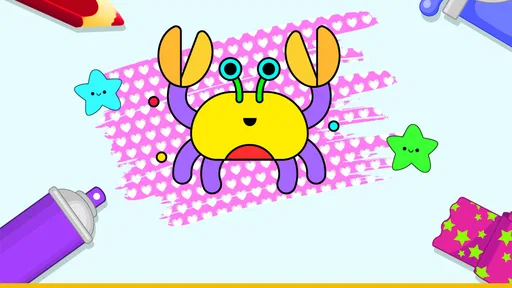
The app offers a delightful selection of coloring pages, featuring everything from adorable animals to whimsical scenes. Your child can choose from an array of colors, which means there’s no limit to their imagination. The virtual coloring book provides a mess-free experience, which is a huge win in my books—no more crayons on the walls or ink-stained clothes!
Why the digital format works best in short bursts
The main advantage over a paper coloring book is convenience: a device is easier to bring out while waiting for food, sitting in a waiting room, or taking a quiet break at home. There is no paper to gather up or coloring mess to clean afterward. That makes this a useful backup activity for a parent who needs a few calm minutes, not necessarily the most satisfying way for a child to spend a whole afternoon.
I would still keep real crayons and paper in the rotation. Physical materials let children feel pressure, make marks in different ways, and see a page fill up without a screen. This game is better when portability and quick access matter; a traditional coloring book is better when the goal is tactile play, less screen time, or a finished page the child can hold and display.
A small practical tip is to start the activity before the child is already frustrated or overtired. At that point, even a simple choice can become a struggle. Offering the game as one of two options—color on the device or use paper—keeps it from becoming the automatic answer to every quiet moment. I also find it useful to sit nearby at first, so a child can ask for help without having to hand over the device or leave the activity.
Interactive Features That Educate and Entertain
This isn’t just an ordinary coloring app. What sets it apart are its interactive features that subtly introduce educational elements. Each page comes with engaging sound effects and animations that keep the kids hooked. As they color, they’ll hear animal sounds or fun music that adds an extra layer of enjoyment.
Worth Reading Before You Choose

EA SPORTS FC Mobile 26 Is a Bigger Football Game, but It Takes Time

Flipboard Shows What News Apps Must Do Beyond the Feed

Switching to Android Auto Means Rethinking Your Driving Routine

Google Calendar Makes a Crowded Week Easier to Manage

Ludo King Makes the Most of the Minutes Between Plans

Baby Panda World Brings Quick Play to Modern Phones, but Its Game Library Feels Busy
Moreover, the app encourages kids to learn about different colors and shapes, fostering early educational skills without them even realizing it. It’s like sneaking veggies into their favorite meal—they’re having fun, but they’re also learning something valuable.
A useful way to join in without taking over
For a toddler, a coloring session can be less about completing a picture and more about noticing what happens after a tap. I’d use the sounds and animation as prompts for a short conversation: name the color, point out an object, or ask what the child wants to try next. That turns a solo screen activity into a little shared moment without turning it into a lesson with right and wrong answers.
There is a trade-off here. Extra sound and movement can help hold a young child’s attention, but they can also become the focus instead of the coloring. If your child keeps tapping just to trigger effects, try giving them one simple goal, such as choosing a color for one part of the picture, then let them explore freely. If lively audio tends to overstimulate your child, a quieter paper activity may be a better fit at that moment.
Parental Controls and Customization
As a parent, I always appreciate apps that offer customizable settings, and this app does not disappoint. You can adjust the difficulty level to match your child’s age and skills, making it accessible for both younger toddlers and older kids. The parental controls ensure a safe experience, allowing you to set time limits and monitor app usage.
It’s also worth mentioning that the app is ad-free. Yes, you read that right—no interruptions from pesky ads! This ensures that your kiddo can focus entirely on coloring without any distractions.
What parents should check before handing over the device
Because children use devices differently, I would test the controls and settings yourself before letting a toddler play independently. Set up the experience in advance, then watch how easily your child can stay within the coloring activity. Even a child-friendly design does not remove the need for an adult to decide when screen time starts and ends, or to keep an eye on what is happening on the device.
The adjustable difficulty can make the game more approachable for children at different stages, but it does not guarantee that every child will find the same pages engaging. A younger toddler may be happiest simply tapping and exploring, while a child who already enjoys drawing precise shapes could want more control than a toddler-focused coloring activity offers. I would treat it as an entry point to digital coloring, rather than assume it will grow with every child indefinitely.
It is also worth being clear about the cost. The game is free to download, with optional in-app purchases priced from $1.99 to $6.99 per item. I would check the purchase settings on the device before a child uses it, even if the activity itself is designed to be straightforward. That small bit of preparation helps avoid an unexpected purchase and keeps the focus on coloring.
Offline Mode for On-the-Go Fun
Another fantastic feature is the app’s offline mode. Whether you’re on a long car ride or waiting at the doctor’s office, you can hand your phone or tablet to your child without worrying about internet connectivity. This makes Toddler Coloring Book For Kids the perfect travel companion.
Plus, all of their artwork can be saved directly to your device. You can create a digital gallery of your child’s creations, which is a wonderful way to track their progress and creativity over time.
Making travel sessions easier to manage
For an outing, I would open the game and check the pages before handing the device over, then choose a comfortable screen brightness and volume for the setting. Saving artwork can also give a child a satisfying stopping point: after finishing a picture, you can look at it together and then put the device away. This is more manageable than letting a session drift on with no natural end.
Offline play is particularly helpful when a connection is unreliable, but I would not rely on it without checking the app on the device beforehand. A quick test at home can confirm that the activity is ready for the trip and prevent a disappointed child when the network is unavailable. For longer journeys, I would still bring a non-screen option, since coloring on a device may not hold a child’s attention for the whole ride.
Who will get the most from it
This is a sensible choice for families with toddlers who enjoy bright pictures, simple tapping, and short creative breaks. It may also suit a caregiver who wants a portable activity for a restaurant wait or a quiet moment while traveling. The game is for everyone, and its educational focus makes it easy to understand why parents might consider it for a young child; still, age suitability does not mean a toddler should use a device without supervision.
I would be less likely to recommend it as the main activity for a child who prefers open-ended drawing, needs a break from screens, or becomes unsettled by sound and animation. Older children looking for detailed art tools may also find a toddler coloring game limiting. In those cases, physical art supplies or a more advanced drawing app are likely to be a better match. The right choice depends less on whether digital coloring is educational in general and more on how this particular child responds to a simple, interactive format.
How it compares with other early-learning choices
Compared with a basic digital coloring page, the sounds and animations give this game a more playful feel. Compared with a broader educational game, its appeal is narrower: coloring remains the central activity, rather than one part of a larger set of lessons or mini-games. That focus is a strength for a child who wants to return to pictures and colors without navigating a complex menu, but it may feel repetitive to a child who wants varied challenges.
There is also a meaningful difference between this and a video made for toddlers. A coloring activity asks a child to make choices and interact, while a video is easier to watch passively. I would choose the game when I want the child to take part in a simple creative task, and choose a book, blocks, or paper and crayons when the aim is to step away from the screen altogether. It works best as one tool among several, not as a universal solution for keeping a child occupied.
What the app’s scale says—and what it doesn’t
Toy Tap LLP developed the game, which was released on February 6, 2020. It has a 4.5 average from around 13,000 ratings, with over 10 million installs. Those figures suggest that many families have tried it, but popularity alone cannot tell me whether a particular toddler will enjoy the sounds, interface, or coloring experience. I would use the free download as a chance to see whether it fits your family before deciding whether any optional purchases are worthwhile.
The current version is 6.7.2, and it runs on Android 7.0 or later. Its age rating is Everyone. Those details make it straightforward to assess device compatibility and intended audience, but the most useful test is still observing how your child uses it: whether they can engage comfortably, whether the activity stays calm enough for your setting, and whether you can set a clear stopping point.
Final Thoughts
In a world filled with digital distractions, Toddler Coloring Book For Kids offers a rare combination of fun and educational content. It’s an app that truly understands the needs of both toddlers and parents, providing a safe and stimulating environment for creativity to flourish. Whether you’re looking to fill a rainy afternoon or need a handy distraction during a busy day, this app is a charming and worthwhile addition to your digital toolkit.
So, if you’re ready to see your child’s imagination take flight, download the app today and let the coloring adventures begin!
My recommendation
My verdict is positive, with a clear condition: use it as a short, supervised creative option, not as a stand-in for every kind of play. The combination of coloring, interactive feedback, and offline convenience gives it a practical niche, especially for outings and brief breaks. The free starting point lowers the barrier to trying it, though optional purchases mean parents should set up purchase protections first.
If your toddler enjoys choosing colors and responding to playful effects, this game is worth trying. If they are happier with crayons, need a quieter activity, or are ready for more detailed drawing, I would choose a different option without hesitation. For families in between, keeping both the app and paper supplies available gives you the flexibility to match the activity to the child and the moment.
Pros
- Easy-to-use interface for young children.
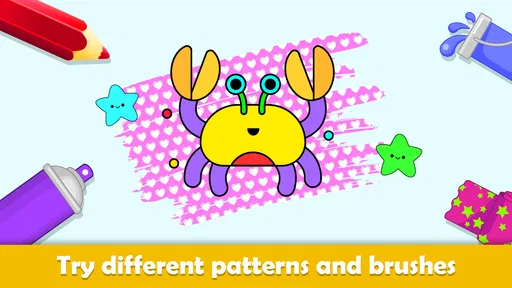
- Wide variety of colors and tools available.
- Promotes creativity and motor skills.
- No ads in the paid version.
- Regular updates with new content.
Cons
- Limited free version content.
- Some features require in-app purchases.
- Occasional lag on older devices.
- No offline mode available.
- Background music can be repetitive.
FAQs for Toddler Coloring Book For Kids
What age group is the Toddler Coloring Book For Kids app suitable for?
The Toddler Coloring Book For Kids app is designed for children aged 2 to 5 years old. It provides a range of simple and engaging coloring activities that are perfect for developing fine motor skills, color recognition, and creativity in young children. The app is intuitive and easy for toddlers to navigate.
Does the app contain in-app purchases or advertisements?
While the Toddler Coloring Book For Kids app is free to download, it may contain in-app purchases and advertisements. It's important for parents to check the app settings and monitor usage to ensure that children do not inadvertently make purchases or click on ads. Some features may be locked behind a paywall.
Is internet access required to use the app?
The Toddler Coloring Book For Kids app can be used offline, making it a great option for entertainment without needing an internet connection. However, initial download and some additional features or updates might require internet access. This makes it convenient for travel or areas with limited connectivity.
What types of coloring activities are included in the app?
The app includes a variety of coloring pages featuring animals, shapes, and everyday objects, designed to engage toddlers' imaginations. It also offers interactive elements like sound effects and animations that enhance the coloring experience. These activities aim to make learning fun and immersive for young users.
Is there a parental control feature in the app?
Yes, the Toddler Coloring Book For Kids app includes parental control features that allow caregivers to manage app settings and restrict access to certain content. These controls help ensure a safe and child-friendly user experience by preventing accidental purchases and limiting exposure to advertisements.


